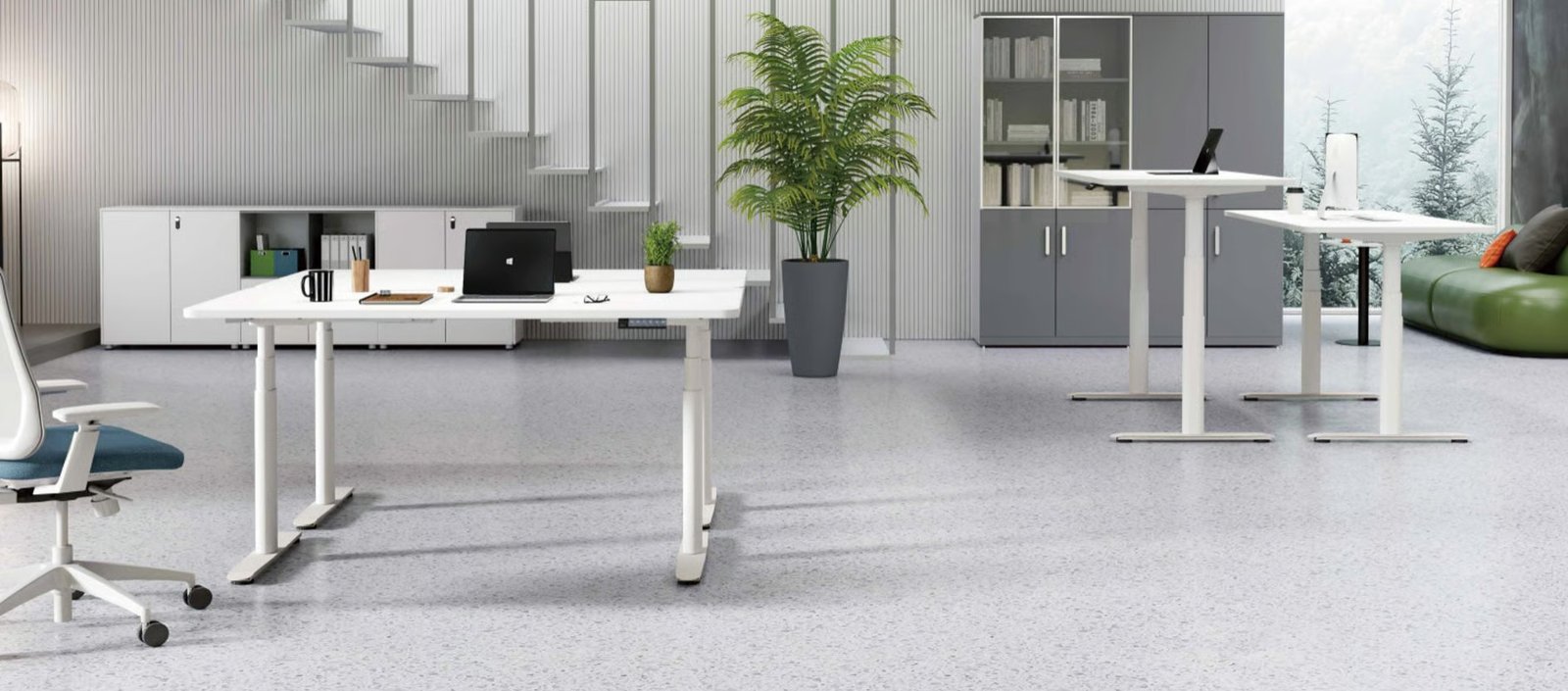
A Desk Riser is a simple way to turn a regular desk into a more flexible workstation. Instead of replacing your whole desk, you place the riser on top of your existing surface and adjust it when you want to sit or stand. This makes it popular for home offices, shared workspaces, and small rooms where a full standing desk may not be practical.
The main purpose of a Desk Riser is not to make you stand all day. It is to help you change position more often. Sitting for long hours can make your neck, shoulders, wrists, and lower back feel uncomfortable. A good desk riser gives you more control over your screen height, keyboard position, and working posture.
What Is a Desk Riser?
A Desk Riser is an adjustable platform designed to raise your monitor, laptop, keyboard, and mouse above your normal desk height. Many models are also called standing desk converters or sit-stand desk converters. Some are compact and made only for laptops, while others are wide enough for dual monitors and a full keyboard setup.
Most desk risers sit directly on your current desk, so they do not require a major office change. This is useful if you rent, work from a small room, or already like your existing desk. Instead of buying a new electric standing desk, you can add a riser and create a more adaptable workstation.
There are several types available. A two-tier desk riser has one level for the monitor and another for the keyboard and mouse. A laptop riser raises only the screen and usually works best with an external keyboard. Larger standing desk converters support heavier equipment and allow smoother height adjustment.
The right type depends on how you work. If you use a laptop for short tasks, a lightweight riser may be enough. If you spend full workdays at a desk with monitors, a wider and more stable desk riser is usually the better choice.
How a Desk Riser Can Improve Workspace Comfort
A Desk Riser can improve comfort by helping you set up your screen and keyboard at better heights. When sitting or standing, your screen should be easy to view without bending your neck. Your keyboard and mouse should allow your shoulders to stay relaxed and your wrists to remain in a natural position.
This matters because poor desk setup often causes small daily strains. A screen that is too low can make you lean forward. A keyboard that is too high can lift your shoulders. Over time, these small problems can lead to discomfort. A properly adjusted riser can reduce awkward posture and make your workday feel easier.
The goal is to create a neutral working position. Your elbows should stay close to your body, and your forearms should feel supported while typing. Guidance from trusted ergonomic sources, such as the OSHA computer workstation recommendations, also emphasizes proper placement of desks, screens, keyboards, and accessories to reduce strain.
Still, a desk riser is not a complete health solution by itself. Standing all day can also cause fatigue in the feet, knees, hips, and back. The best approach is to alternate between sitting, standing, and short movement breaks. A riser helps because it makes these changes easier during the day.
Desk Riser vs Standing Desk: Which One Makes More Sense?
A Desk Riser is usually the better choice if you want a lower-cost upgrade. It works with your existing desk and is easier to add without changing the full room layout. Many people choose it when they want to test sit-stand working before investing in a full standing desk.
A full standing desk is often better for a permanent office setup. It usually gives you more surface space, stronger stability, and cleaner cable management. However, it also costs more and may not be suitable if your current desk is built into the room or shared with other people.
The main advantage of a desk riser is flexibility. You can move it, adjust it, or remove it if your needs change. It is also useful for renters, students, remote workers, and anyone setting up a home office without a major budget.
The main disadvantage is desktop space. Since the riser sits on top of your desk, it can take up room that you previously used for notebooks, speakers, documents, or accessories. Before buying one, check whether your desk is deep and wide enough to handle the riser comfortably.
Key Features to Check Before Buying a Desk Riser
The first thing to check is height range. A good Desk Riser should raise high enough for your body when standing. If it stops too low, you may still bend your neck or lean forward. If it is too high, your shoulders may feel tense while typing.
Weight capacity is also important. The riser must support your monitor, laptop, keyboard, mouse, and any extra items you plan to place on it. Dual-monitor users should pay close attention to this. A weak riser may wobble or feel unsafe when raised.
Surface size matters as well. A compact riser may look neat, but it may not fit your actual setup. Make sure there is enough space for your screen, keyboard, mouse, and comfortable hand movement. If you use paperwork while working, you may need extra room beside the riser.
You should also look at the adjustment mechanism. Manual risers are usually cheaper, while gas-spring models are easier to lift. Electric models can feel smoother but cost more. Stability, cable management, keyboard tray design, and assembly requirements should also be checked before purchase.
Common Mistakes to Avoid When Using a Desk Riser
One common mistake is using a laptop alone on a high riser. When the laptop screen is raised, the keyboard rises too. This can make your wrists and shoulders uncomfortable. A better setup is to raise the laptop screen and use a separate keyboard and mouse at a comfortable typing height.
Another mistake is standing too long. Many people buy a Desk Riser and immediately try to stand for most of the day. That can cause fatigue quickly. It is better to start slowly, change positions often, and take short walking breaks when possible.
Buying the wrong size is another issue. Some risers are too large for small desks, while others are too small for real work. Always measure your desk before buying. Check width, depth, height range, and how the riser moves when raised.
People also forget about cables. When a riser moves up and down, monitor cables, chargers, and keyboard wires need enough slack. Poor cable planning can make the setup messy or even pull devices out of place.
Conclusion
A Desk Riser is worth buying if you want a flexible sit-stand setup without replacing your current desk. It can help improve screen height, reduce awkward posture, and make your workspace more adaptable. It is especially useful for home offices, small spaces, and people who want a budget-friendly ergonomic upgrade.
The best desk riser is stable, properly sized, easy to adjust, and suitable for your equipment. Use it to change positions throughout the day, not to stand nonstop. With the right setup, it can make your workspace more comfortable, practical, and easier to use.
FAQs
1. What is a Desk Riser used for?
A Desk Riser is used to raise your work setup so you can switch between sitting and standing while using your existing desk.
2. Is a Desk Riser better than a standing desk?
A Desk Riser is better for budget-friendly and flexible setups. A full standing desk is better for permanent workstations with more surface space.
3. Can I use a Desk Riser with a laptop?
Yes, but it works best with an external keyboard and mouse. This keeps your screen higher while your hands stay at a comfortable typing level.
4. How long should I stand with a Desk Riser?
You should not stand all day. Alternate between sitting, standing, and short movement breaks based on your comfort.